
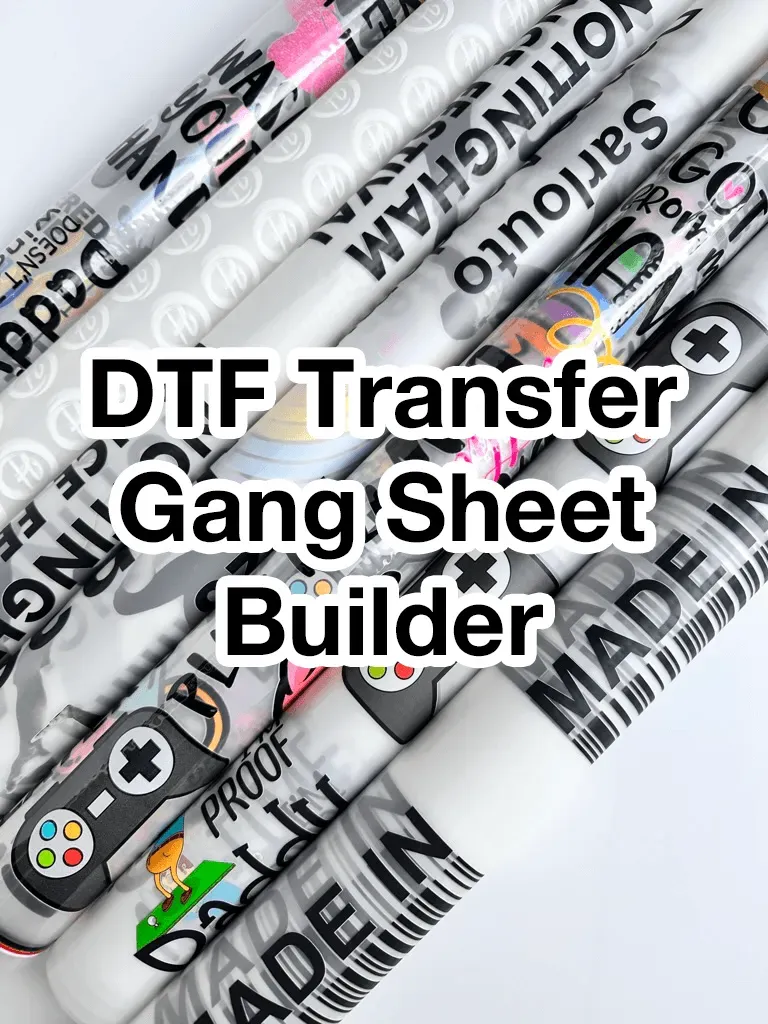
DTF Gangsheet Builder is transforming how brands scale up custom apparel by delivering precise, multi-design transfers with minimal waste, turning complex orders into repeatable production runs, and giving shops a reliable backbone for growth in a fast-moving market where consistency and efficiency are non-negotiable. By providing a flexible canvas to arrange designs on a single sheet, this tool helps you maximize sheet space, align artwork with grid-based precision, and generate print-ready files that reduce misprints and rework, letting your team focus more on creativity and less on clerical setup. This system supports DTF processes by standardizing the workflow across prep, layout, and export, ensuring dependable color handling and predictable output when you hit the press. With features such as intuitive placement controls, margin management, and batch export, you can scale production without sacrificing accuracy, while keeping your operations aligned with best practices for modern garment decoration. Ultimately, the builder helps you shorten lead times, reduce waste, and maintain reliable quality across an expanding catalog of designs.
Seen through the lens of sheet-based design optimization, this approach reframes the process as batch planning for garment decoration. Rather than juggling individual prints, operators coordinate groups of designs, carving out efficient regions on a single substrate. The goal is to harmonize color workflows, preserve consistency across fabrics, and streamline the journey from artwork to finished transfer. This concept aligns with modern digital production strategies that favor modular templates, automated alignment, and reliable export formats for seamless integration with printers and RIP software.
What is a DTF Gangsheet Builder and Why It Matters
Understanding a DTF Gangsheet Builder begins with the concept of a DTF gang sheet—a single substrate that holds multiple transfer designs. The builder provides an efficient workspace to arrange designs, align them, and optimize space, directly impacting throughput and material usage in DTF transfers. By consolidating layouts, you reduce setup time and waste, aligning with core ideas in a DTF printing guide.
Key benefits of using a gangsheet builder include consistent color management across designs and simplified production workflows. When you batch designs on one sheet, you maintain ICC color profiles and ensure each transfer matches the intended look, which is critical for repeat orders and events. This technique translates to higher output without sacrificing color fidelity in DTF transfers.
DTF Printing Guide: Mastering Color and Layout with a Gang Sheet
A solid DTF printing guide emphasizes color accuracy and layout discipline. With a dedicated gang sheet builder, you can preview how designs share space, print area, and margins before hitting the printer. This helps predict how designs will render on both light and dark fabrics and supports reliable DTF transfers across garment types.
Layout optimization in a gang sheet framework reduces white space waste and prevents clipping at the edges. By using snapping grids, alignment guides, and template support, you can design sheets that maximize the number of transfers per print, which lowers per unit costs and improves throughput in a DTF gang sheet workflow.
How to Create DTF Transfers Efficiently Using a Gang Sheet Builder
how to create DTF transfers efficiently starts with collecting designs and setting up color profiles. Use a gang sheet builder to size designs to common garment dimensions, assign consistent white underlays, and verify print areas. The builder streamlines batching so you can convert multiple artwork files into a single, print-ready gang sheet for shirts, hoodies, bags, and more.
Next, arrange designs with even spacing and group related items to simplify cutting and sorting after pressing. Manage color and materials by previewing substrate compatibility and adjusting underbase density as needed. This approach aligns with how to create DTF transfers that maintain vibrancy on both light and dark fabrics while minimizing rework.
DTF Gangsheet Builder: From Design to Delivery
With the DTF Gangsheet Builder, your journey moves from design creation to export-ready output in a few steps. Create a consolidated gang sheet, apply consistent color management, and prepare print instructions. This builds a reliable pipeline that supports rapid production of multiple transfers while preserving color fidelity across garments.
Export formats and RIP workflow compatibility are essential for a smooth handoff to your printer. A well-designed gang sheet can be exported as a single file or batch-exported versions, enabling streamlined prep for your DTF printer and downstream pressing process. This end-to-end approach aligns with the DTF printing guide and ensures you can scale operations with confidence.
Best Practices for DTF Transfers with Gang Sheets
Standardize color profiles across design software and the printer to ensure consistent results for every batch. Using a gang sheet builder helps you enforce a single color pipeline and repeatable settings, which is crucial for reliable DTF transfers on both light and dark fabrics.
Keep templates updated and run small test prints to validate opacity, density, and placement before large runs. Document your SOPs for setup, color management, and pressing times to scale quality. This practice aligns with the DTF printing guide and supports efficient growth of a studio or shop using gang sheets.
Troubleshooting and Quality Assurance in DTF Gangsheet Workflows
When issues arise, misalignment after pressing is a common symptom, often caused by margins or cut-line errors. Regularly review the gang sheet layout, verify spacing, and ensure designs have safe margins to avoid edge clipping during trimming. This is a practical aspect of maintaining DTF transfers quality.
Color shifts between designs or ghosting can indicate inconsistent substrate settings or improper color management. Implement a standard QA check using color references, test prints, and a documented SOP. Adopting a DTF printing guide mindset helps teams quickly diagnose problems and keep multi-design runs on track.
Frequently Asked Questions
What is a DTF Gangsheet Builder and how does it benefit DTF transfers?
A DTF Gangsheet Builder is software that arranges multiple transfer designs on a single sheet, enabling batch production of DTF transfers. It optimizes layout, color management, and export, increasing throughput, reducing waste, and improving color fidelity across garments.
How does a DTF gang sheet builder improve efficiency and throughput for DTF transfers?
By packing several designs onto one gang sheet, it minimizes printer downtime, lowers per-transfer waste, and streamlines the press workflow. A well-designed DTF gang sheet builder helps you standardize templates and cut lines for fast, repeatable results, enhancing DTF transfers overall.
How do I create DTF transfers using a DTF Gangsheet Builder?
First define your design set with correct color profiles, then choose a sheet size and layout. Place designs with even spacing, manage color and white underlays, set margins and cut lines, preview and export the gang sheet, and finally print and press to produce DTF transfers.
What features should I look for in a DTF printing guide when evaluating a gang sheet builder?
Seek an intuitive layout editor, robust color management, template support, margin/bleed control, and output formats compatible with your printer and RIP. Batch export and clear preview tools help you produce consistent DTF transfers.
How should I export gang sheets to ensure reliable DTF transfers?
Export as PNG, TIFF, or PDF with embedded ICC profiles, include cut lines if needed, and provide printing instructions. Choose formats compatible with your DTF printer and RIP workflow to maintain color fidelity across transfers.
What are best practices for achieving high-quality DTF transfers with a gang sheet builder?
Standardize color profiles, use appropriate white underlays for opacity on dark fabrics, optimize layout to maximize sheet space, run test prints, keep templates updated, and document a standard operating procedure to scale quality.
| Aspect | Summary | Benefits / Notes |
|---|---|---|
| What is a DTF Gangsheet Builder? | Software to arrange multiple transfer designs on a single printing sheet, enabling batch creation of transfers and efficient production. | Saves time, scales throughput, and helps maintain consistent color across designs. |
| Why gang sheets matter for DTF transfers |
|
Ideal for sets, events, and retail drops where consistency and speed matter. |
| Key features to look for in a DTF Gangsheet Builder |
|
Directly impact speed, accuracy, and output quality. |
| Step-by-step workflow (7 steps) |
|
A clean, repeatable process reduces errors and reprints. |
| Best practices for high-quality DTF transfers |
|
Supports scalable, repeatable results across teams. |
| Advanced tips for seasoned users |
|
Maximizes efficiency and flexibility for complex runs. |
| Troubleshooting common issues |
|
Provides clear steps to diagnose and fix issues to avoid wasted runs. |
Summary
DTF Gangsheet Builder is a practical, time-saving solution for anyone producing multiple DTF transfers. It centralizes layout, color management, and export in one tool, helping you accelerate production, reduce waste, and maintain consistent quality across all transfers. Whether you are new to DTF printing or expanding a bustling operation, integrating a gang sheet builder into your workflow helps you deliver vibrant, precise, and reliable transfers—every time. Embrace the gang sheet approach to maximize throughput while preserving the integrity of each design. The result is a streamlined process that turns complex multi-design runs into simple, repeatable successes for your business.